

software webbizmagnet.com apps is a search for the software and app section of webbizmagnet.com, a site that covers technology for small businesses. This deep-dive takes one angle only: how a business owner judges an app before installing it. The brand’s own pages are the starting point, and the read copy shows them as guides and news rather than as app tests.
| Question | Short answer |
|---|---|
| What does the site cover? | Hardware, software and apps, industry insights and general business tech. |
| Does it review named apps? | No named app review appeared in the read copy. |
| Who writes it? | No author or company is named in the read copy. |
| Where do I contact it? | Use the Contact item in the main menu. |
| What is the first check before installing? | Confirm the developer, the permissions and the price on the app’s own store page. |
What webbizmag covers in the software and apps section
The menu groups the site into Home, Hardware, Software and Apps, Industry Insights, About Us and Contact. The read copy describes a site that wants to help a small business owner keep up with technology. Its blurb promises practical guides on launching a venture, digital marketing and emerging tools. The software and apps section is named in the menu, but the visible previews on the home page lean toward hardware, such as sensors and small-business servers. A reader looking for app reviews will need to dig deeper into the site.
That does not make the section useless. It means the section works best as a set of questions to ask, rather than as a shortlist of products to buy.
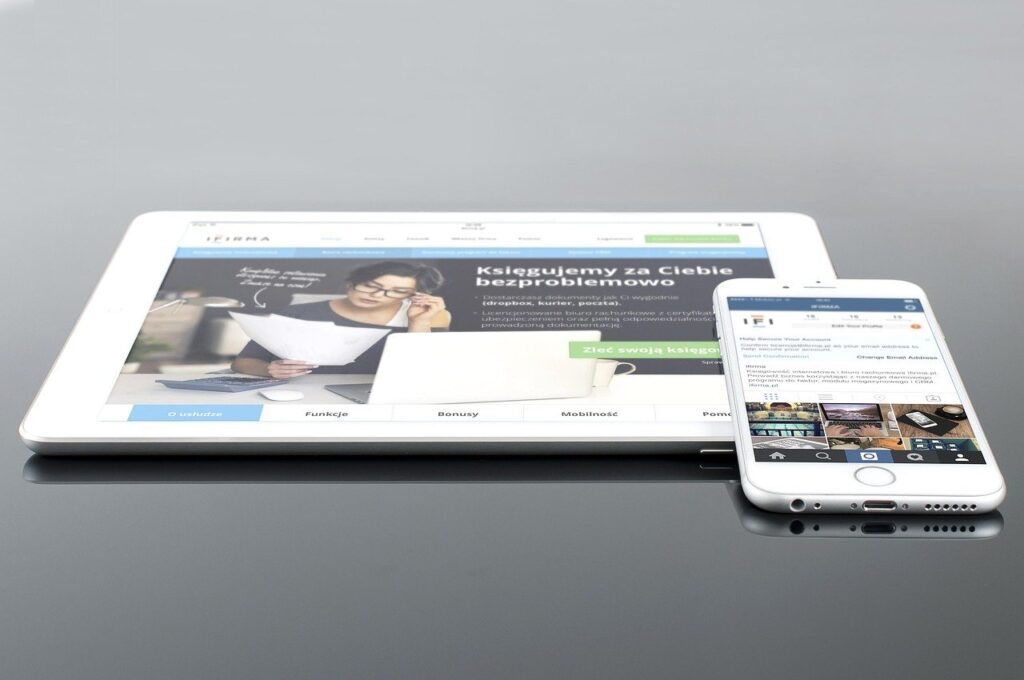
How to judge a business app before you install it
Start with the developer. A business app should name a company, list a support address and show a privacy policy. If any of those is missing, the app is harder to trust, whatever its rating. Next check the permissions it asks for. An app that wants access to contacts, location or files should explain why, and a request that does not fit the job is a reason to stop.
Then look at the update history. An app that has not been updated for a long time may not work with current systems, and an app that changes hands often may have changed its behaviour. Check the price model as well. A free app that charges for each user, export or report can cost more than a paid one over a year.
Reading the software and apps pages with a critical eye
Readers often arrive by typing software and apps webbizmagnet or software apps webbizmagnet into a search box. Both searches reach the same site, but neither tells you what a page will contain. Read the date and the author line first, then the opening paragraph. If the page is a general list with no product names, treat it as a checklist rather than a review.
A page that promises the best apps for every business is usually broader than it sounds. A useful guide names its test conditions, such as team size, budget and the data involved, and it says what it did not test. Look for those details before you act.
What the webbizmag pages do not show about apps
The read copy gives no named app, no test notes and no price comparison. It does not show whether the writers use the tools they describe, and it does not explain how they were chosen. A reader who wants a recommendation should treat any general advice here as a starting checklist, then test the shortlist with a free trial or a sandbox account.
The site also does not describe its own business model. A reader should look for a disclosure of affiliate links or sponsored content before trusting a recommendation, and should note whether none is visible.
Software and apps for a small team: a practical sequence
Begin with the problem, not the tool. Write down the task you want to remove, such as invoicing, scheduling or customer messages, and the number of people who will use the tool. Then compare two or three options on the same list of needs. Run each option on a copy of real data for one week, and record how long the task takes. The option that saves the most time without adding a new security risk is usually the right one.
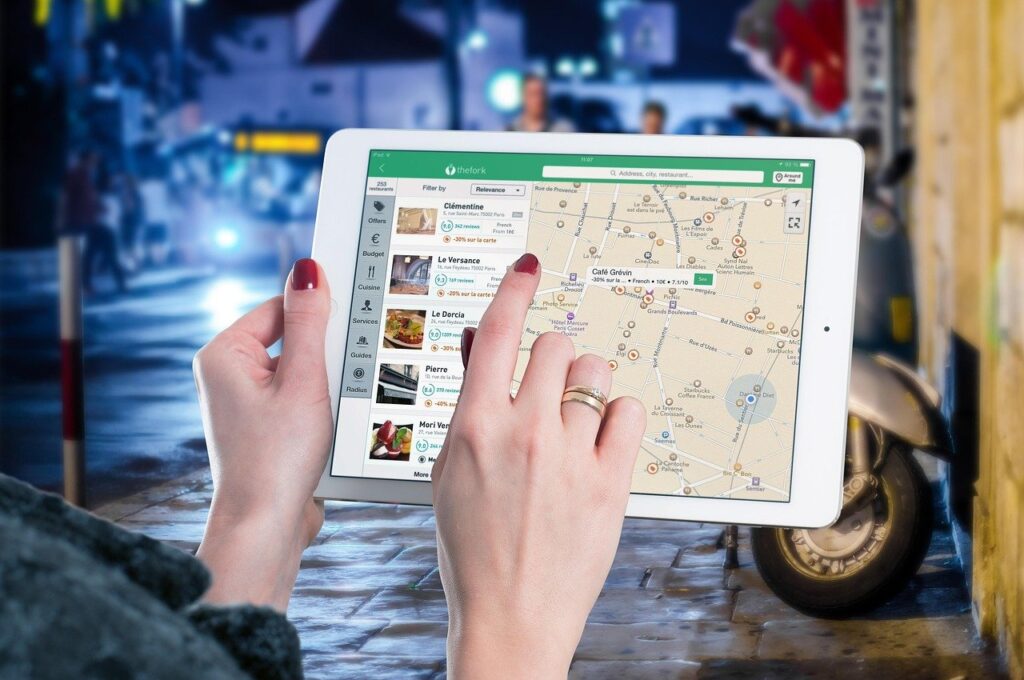
Keeping software decisions safe and recorded
Keep a simple record of every app you install: the developer, the account owner, the date installed and the data it can reach. Remove apps that nobody uses, and check that former staff no longer have access. A short record makes audits and renewals much easier, and it protects the business if an app is later found to be unsafe.
Where webbizmag fits in your research
Use webbizmag for ideas about the wider technology picture, such as hardware choices, industry trends and general business guidance. For the detail of an app, go to the developer, the app store page and an independent review. The brand’s pages work best as a route to better questions, not as the final word on a purchase.
Words like software and apps are broad, so a search can return pages that have nothing to do with the brand. Check the address of each page before you rely on it.